
The article defines steps for Updating an A record in cPanel for a particular domain name.
The Domain Name System is complex in itself. Using the cPanel/WHM control panel, users can easily manage the DNSs. The DNS is added to the cPanel/WHM interface for that purpose. Updating the A records is one of the regular tasks carried out in the DNS settings. cPanel/WHM simplifies this process to a large extent.
Procedure
* Log in to WHM as 'root'.
* Navigate to the following location in WHM: Home -> DNS Functions -> DNS Zone Manager.
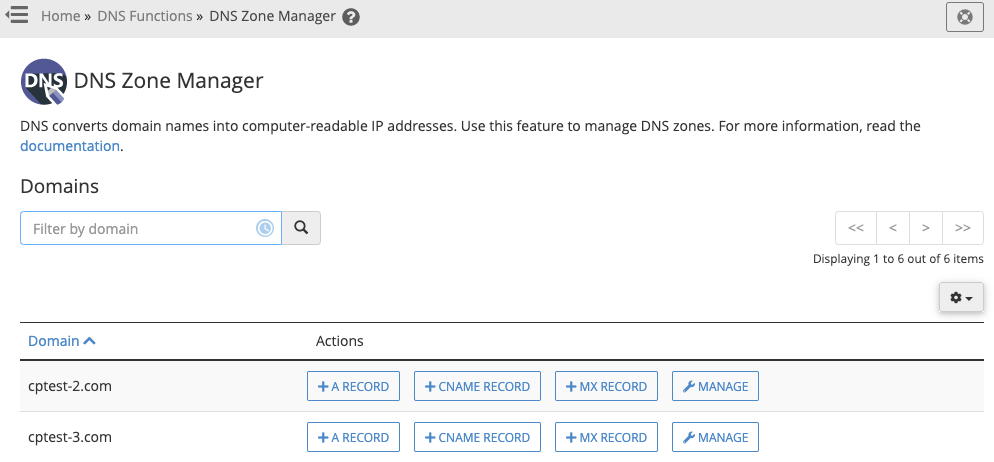
* Locate your domain, and select the 'Manage' button:
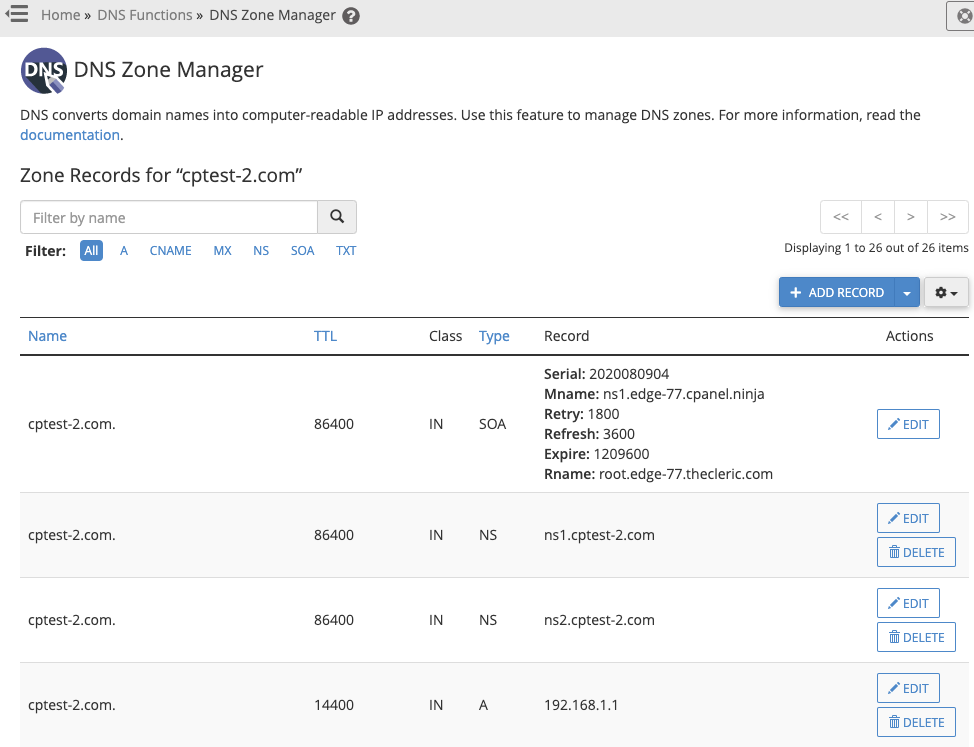
* Find the 'record' you wish to modify.
Example: cptest-2.com (A) record
* Choose the 'Edit' button on the record you locate.
* Modify the record in the manner you wish.
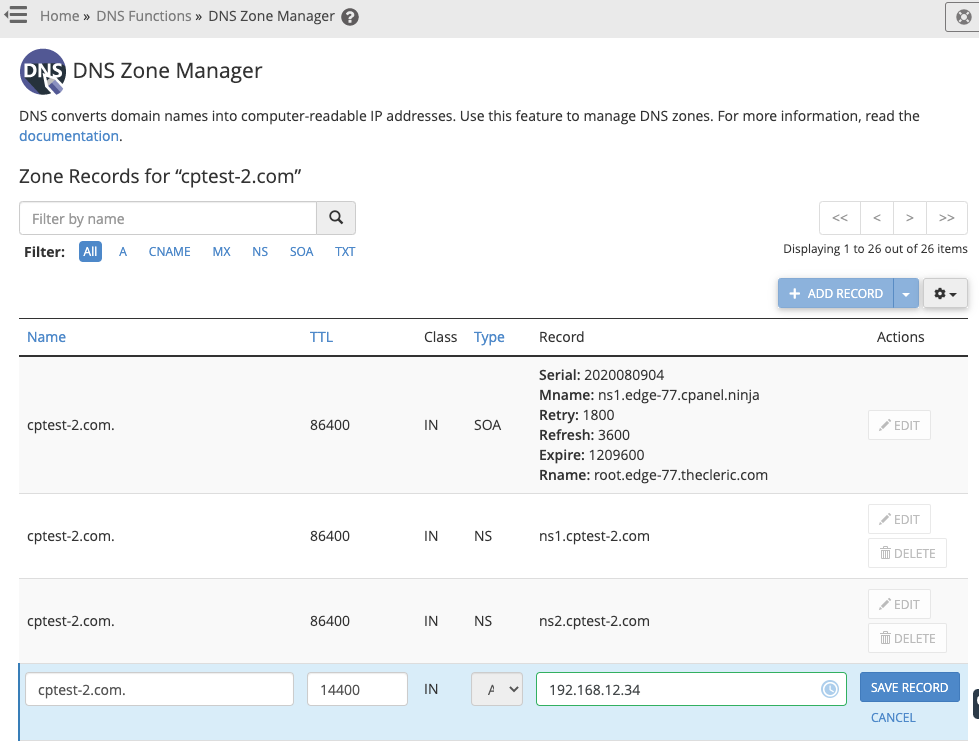
* Select the 'SAVE RECORD' button:
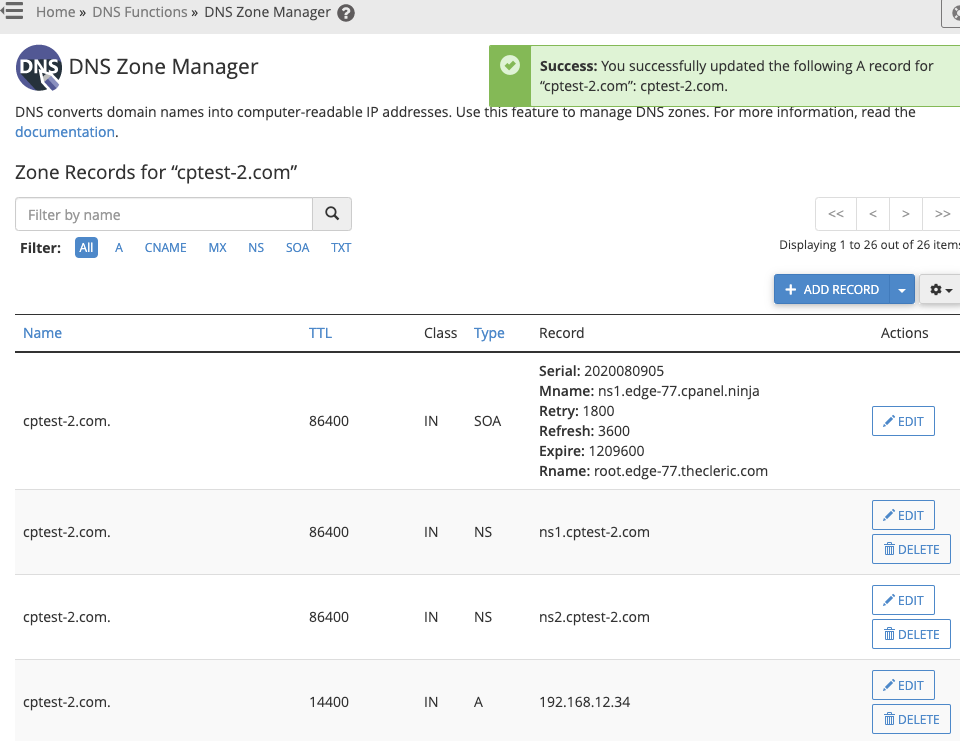
If you need any assistance regarding DNS or changing the A records for your domain, please feel free to contact our Support Department via. our 24×7 Live Chat is available on our website or raises a ticket from the client area.